Record and search locally
Record audio, search recordings, and use supported on-device transcription without uploading the interview.
Record interviews and turn speech into searchable text on your iPhone. Keep recordings, transcripts, and notes together. Share only what you choose.
For iPhone and Apple Watch

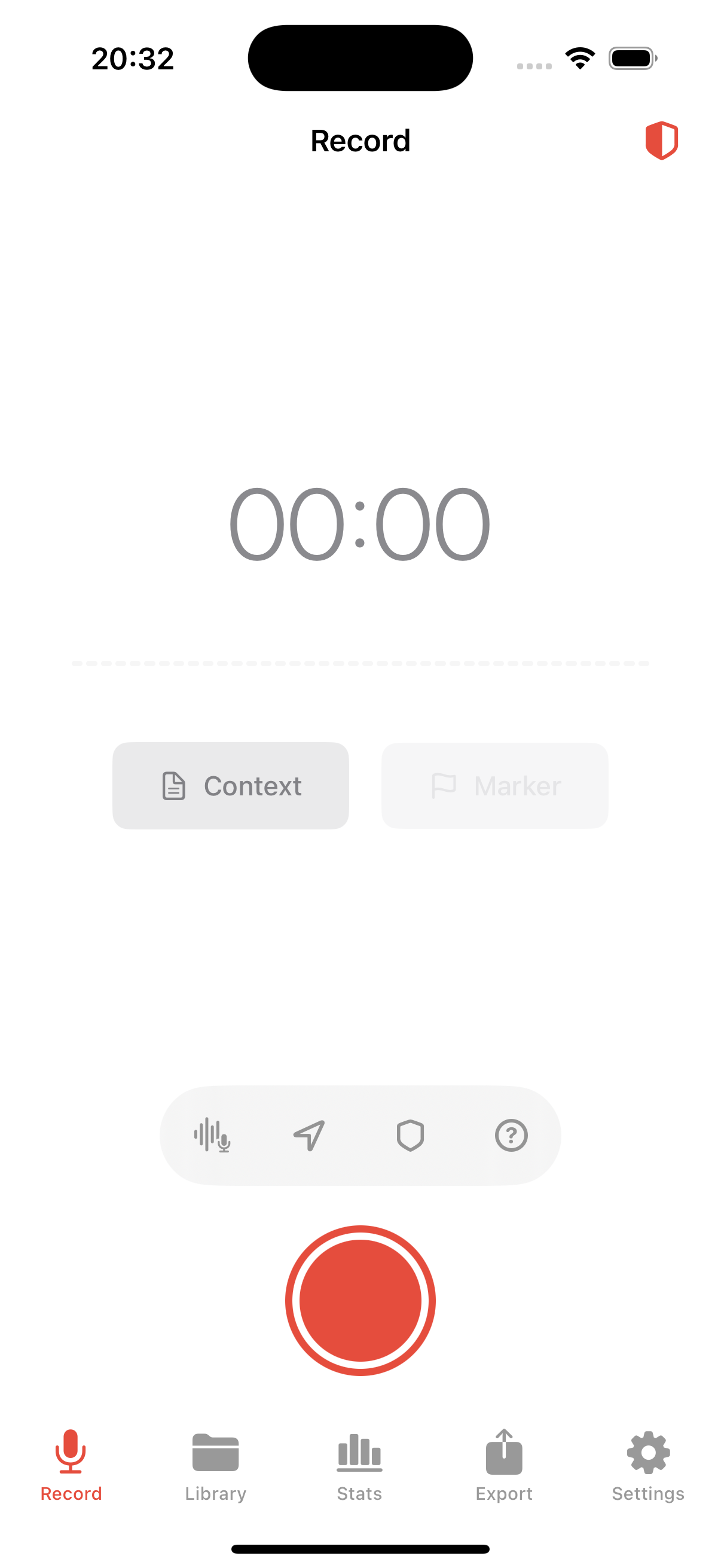
Your recording stays on the iPhone unless you choose otherwise.
Mark useful quotes and keep interview notes with each recording.
Select the format, transcript, and metadata to include in each export.
Keep the recording, transcript, and interview notes together so you can check a quote against the audio.
Leave Dispatch open on your paired iPhone. Use your Watch to start, pause, resume, stop, or add a marker without picking up the phone.
How to control iPhone recording from Apple WatchiPhone recording
Try the controls in this demo. In the app, the iPhone records audio and the Watch controls it while the devices are connected.
Recordings and transcripts stay on your iPhone unless you choose otherwise. You decide whether to use cloud tools.
Record audio, search recordings, and use supported on-device transcription without uploading the interview.
Use Face ID, file protection, and recovery controls. Turn on end-to-end encrypted iCloud sync if you want it.
Remove location and other metadata from the files you export.
Consent guidance is for information only. It is not legal advice.
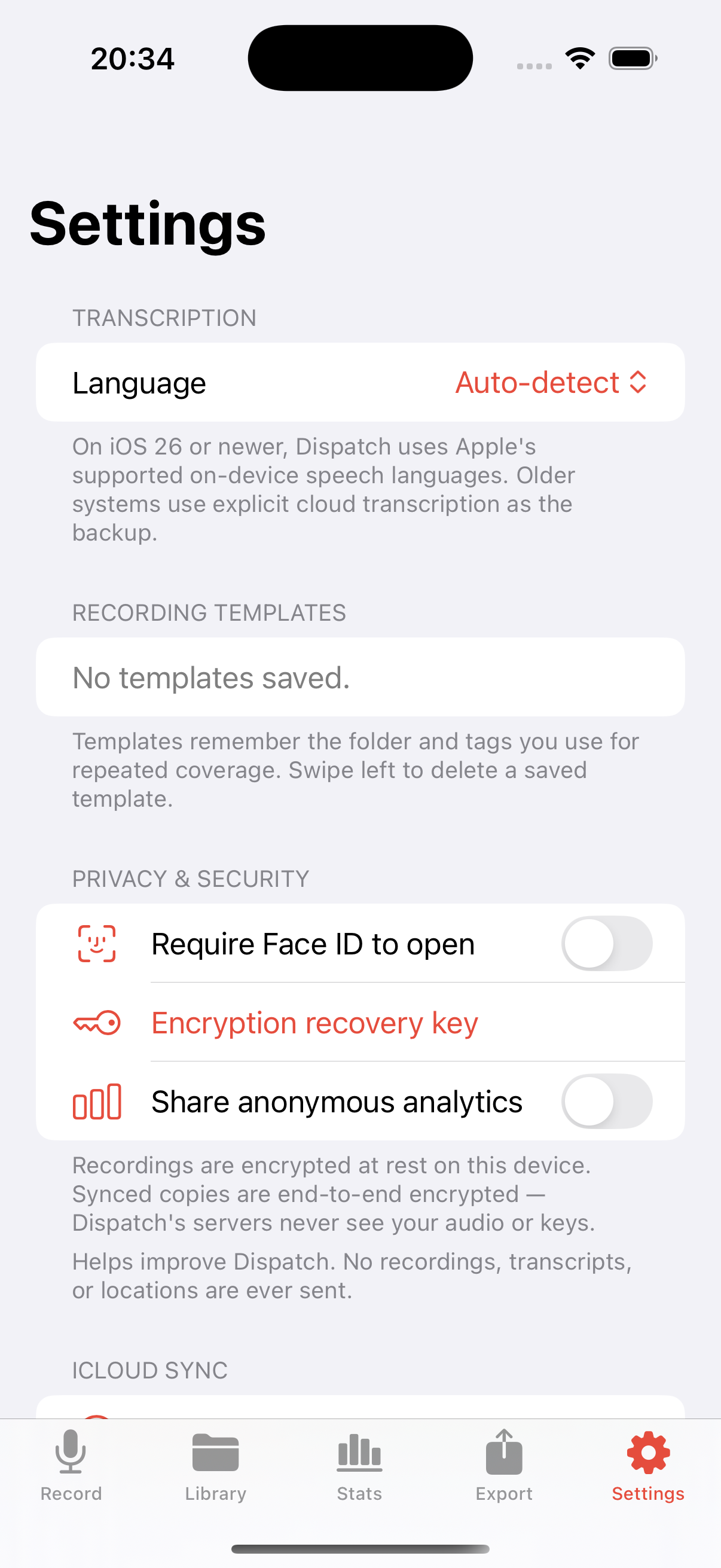
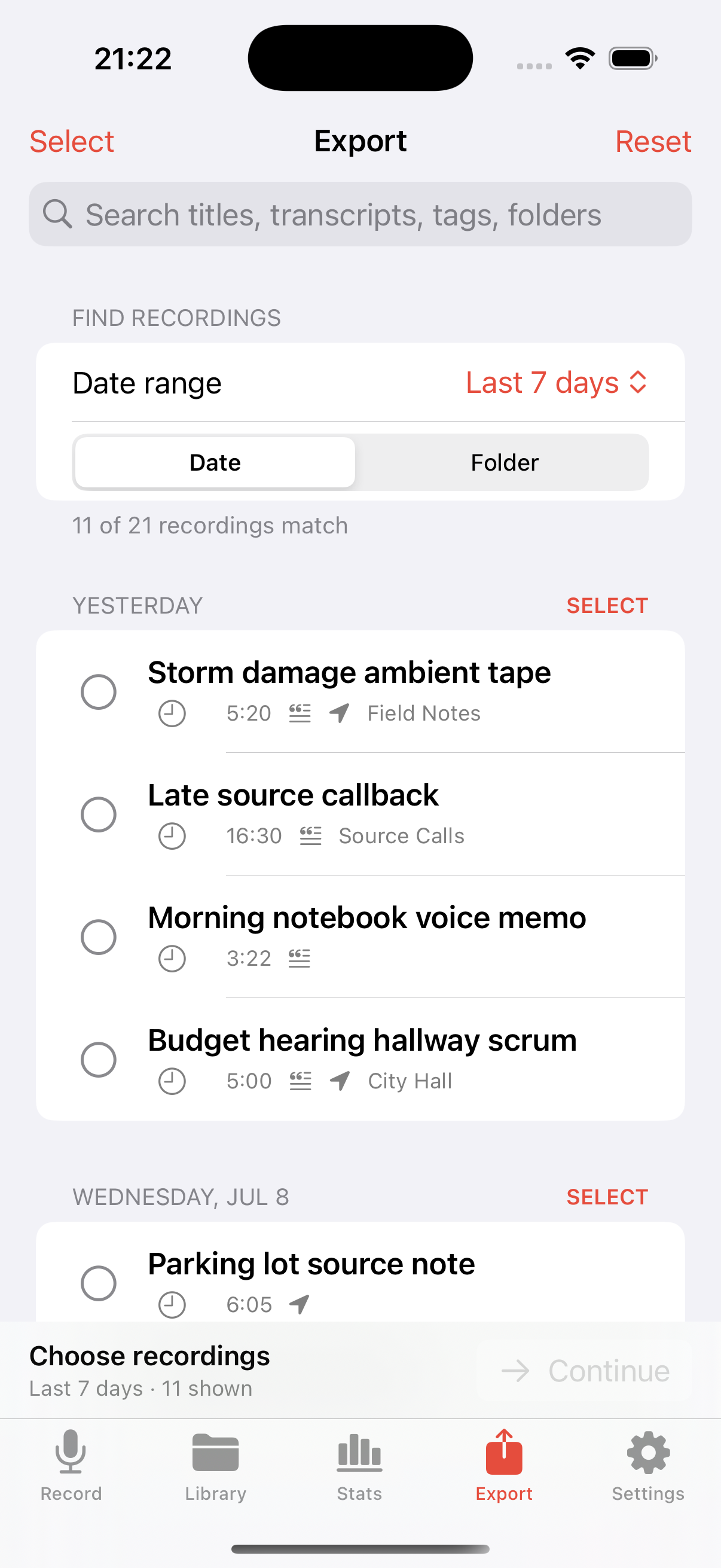
Keep the recording and transcript on your iPhone. Choose what to share when you're ready.

Available for iPhone. Apple Watch works as a remote.